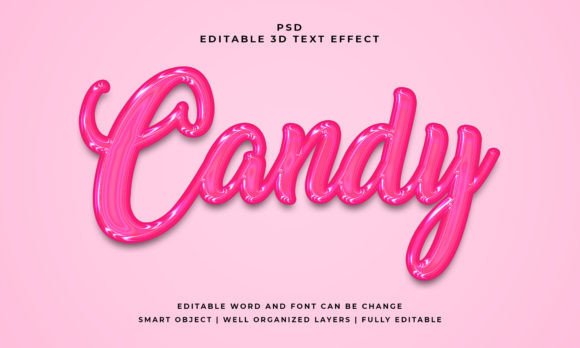
Candy 3D Editable PSD Text Effect: A Sweet Treat for Your Design Projects
Imagine giving your text that irresistible, glossy, three-dimensional pop that makes viewers want to reach out and touch the screen. That's the magic a tool like the Candy 3D Editable PSD Text Effect brings to the table. It’s not just a font; it’s a full visual style packaged into a Photoshop file, designed to instantly transform ordinary headlines into eye-catching, professional graphics. For anyone creating social media posts, designing a logo, or packaging a product, this kind of asset can save hours of work while delivering a polished, high-impact result.
What Exactly Is a 3D Editable PSD Text Effect?
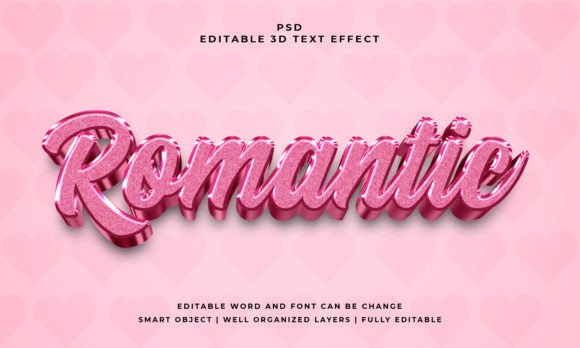
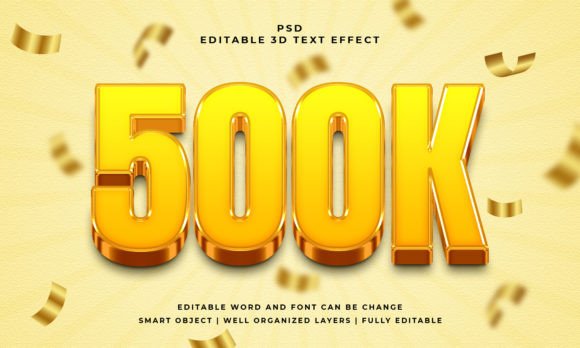
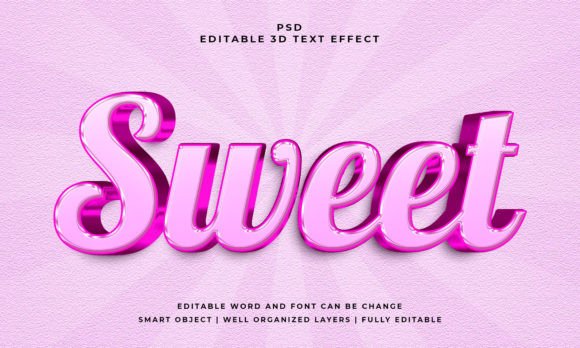
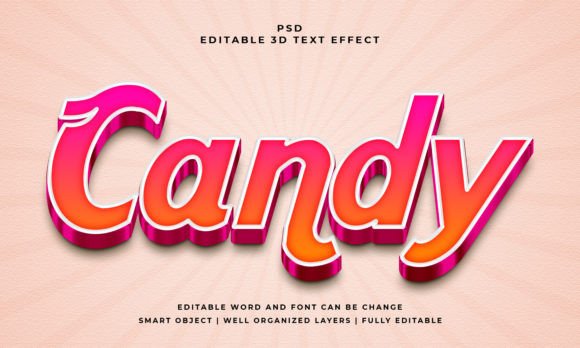
At its core, this is a pre-designed Photoshop template. The "Candy" style refers to the specific visual treatment—think smooth, rounded edges, vibrant colors, and a realistic 3D depth that mimics sugary, glossy materials. The real power lies in its editability. You simply open the PSD file, locate the Smart Object layer, double-click it, and replace the placeholder text with your own. The effect automatically applies to your new text, maintaining all the intricate layer styles, shadows, and highlights. It works seamlessly with text, vector shapes, or any custom shape you create, making it incredibly versatile.
The included files typically consist of the master PSD file and a JPEG preview. With features like well-organized layers and 100% editable text and font, you're not locked into a single look. You can adjust the color, scale the design to fit a 2000x1200 pixel canvas, and tweak the layers to match your exact brand palette. This level of control is what separates a good design asset from a great one.
Practical Applications: Where This Style Shines
The glossy, playful nature of a candy-inspired 3D effect makes it particularly effective for projects that need to grab attention and convey energy. Here’s how different professionals might put it to use:
- Branding & Logo Design: Perfect for creating a memorable logo for a bakery, candy shop, children's brand, or any startup wanting a fun, approachable identity. The 3D aspect adds a layer of sophistication that flat logos can't match.
- Packaging & Merchandise: Design standout labels for sweets, snacks, or beverage products. The effect translates beautifully to print, making product packaging pop on shelves or in online stores.
- Social Media & Digital Marketing: Create scroll-stopping graphics for Instagram stories, Facebook ads, or YouTube thumbnails. A 3D text headline can dramatically increase engagement and click-through rates for promotions or announcements.
- Web Design & Blogs: Use it for hero section headings on a website or eye-catching blog post titles. It adds a dynamic element that can help establish a site's visual tone and keep readers engaged.
- Print Materials & Invitations: Design vibrant posters, flyers, or party invitations. The effect works well for event-based graphics where a celebratory, festive mood is desired.
- Editorial & Digital Products: Enhance the cover of an e-book, a course module title, or the header of a newsletter. It gives digital products a premium, polished feel that can increase perceived value.
Enhancing Your Visual Communication
Using a specialized text effect like this goes beyond mere decoration. It directly impacts how your message is received. A well-executed 3D style can improve visual consistency across a campaign when used repeatedly in your brand identity materials. It boosts brand recognition by creating a unique visual signature. When applied thoughtfully, it can actually aid readability by making key headlines stand out clearly from body copy.
Most importantly, it elevates professional presentation. In a crowded digital space, first impressions are visual. A polished, custom-looking text effect signals quality and attention to detail, which builds trust with your audience. This can lead to higher audience engagement, whether that means more likes, shares, or conversions.
Tips for Choosing and Using Your Creative Font Assets
When incorporating a premium font or text effect into your workflow, a few practical considerations will ensure the best outcome.
First, match the typography to your project goals. The playful, rounded nature of a candy 3D effect might not suit a law firm's annual report, but it's ideal for a family restaurant menu or a gaming channel. Always ask: Does this style reinforce the message and emotion I want to convey?
Next, test font pairings. A bold, decorative display font like this 3D effect works best for short, impactful headlines. Pair it with a clean, simple sans serif font or a classic serif font for body text to ensure overall readability and a balanced hierarchy.
Also, review the included file styles. A good asset will have organized layers, allowing you to easily change colors or adjust the intensity of the effect. Check the licensing—most reputable sources offer a commercial font license, but it's crucial to confirm it covers your intended use, whether for client work or merchandise.
Finally, don't be afraid to experiment. Use the Smart Object feature to test your text in different contexts before finalizing. See how it looks at smaller sizes for social media icons or scaled up for a poster mockup. The flexibility of a PSD file is its greatest strength.
In the world of modern typography and design assets, having tools that combine aesthetic appeal with practical editability is invaluable. The Candy 3D Editable PSD Text Effect is one such tool—a creative font solution that can inject life, dimension, and professionalism into a wide array of projects, helping you communicate your message more effectively and memorably.