Master Your Visual Strategy with the Creative Instagram Template
Scrolling through your feed, you’ve seen it before: some accounts just look polished, cohesive, and unmistakably branded, while others feel like a chaotic scrapbook of mismatched styles. The difference often isn’t a massive budget or a dedicated design team—it’s having the right design assets in your toolkit. If you’re tired of staring at a blank canvas every time you need to post, or struggling to maintain a consistent aesthetic across your content, it’s time to rethink your approach to visual creation. This is where a structured, professional template system becomes a game-changer for your workflow.
Why a Structured Template System Outperforms One-Off Designs
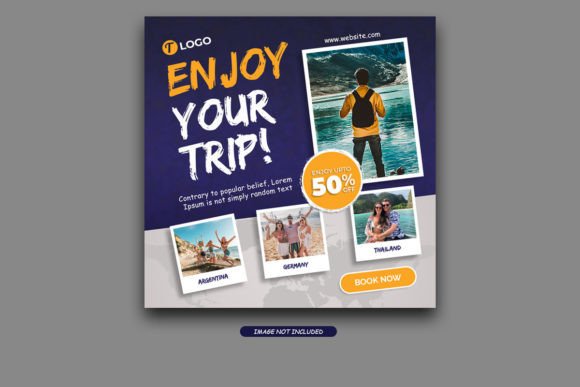
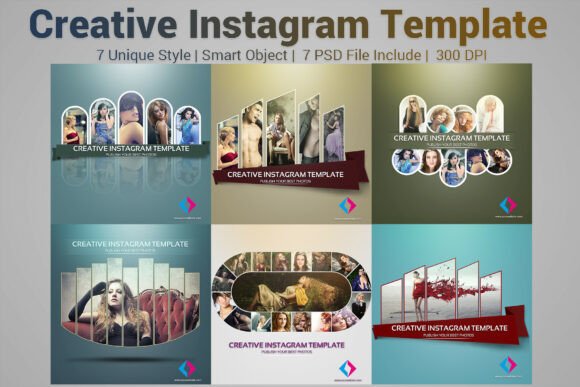
Think of a template not as a constraint, but as a framework for creativity. The Creative Instagram Template is built on this principle. It provides seven distinct, fully layered PSD files, each sized at the platform-perfect 1080x1080 pixels. But its real value lies in its architecture. Every element is 100% layered and grouped logically, with Smart Objects integrated seamlessly. This means you’re not just getting a static image to copy; you’re getting an editable system. You can swap out a photo by double-clicking a Smart Object layer, adjust the color scheme in seconds to match your brand palette, and move or hide elements without breaking the design. This level of control transforms your content creation from a daily scramble into a streamlined, professional process.
The included detailed help guide and font information remove the guesswork. You’re not left wondering how to edit a specific layer or what typeface was used. This is particularly crucial for maintaining visual consistency. When your templates share common design DNA—similar spacing, typographic hierarchy, and stylistic flourishes—your grid starts to tell a cohesive story. Followers begin to recognize your content instantly, which is the bedrock of strong brand recognition.
From Template to Total Brand Identity
While the name suggests a focus on Instagram, the utility of a well-designed creative font and template system extends far beyond social posts. Consider these practical applications:
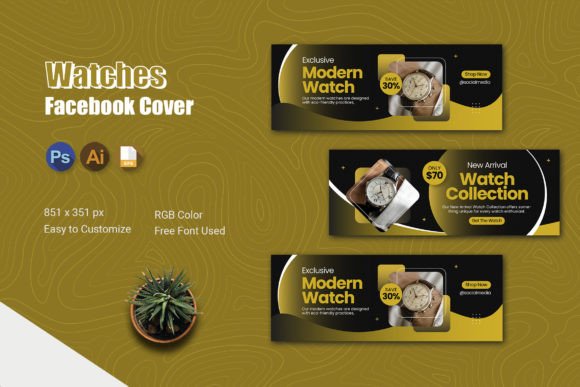
- Social Media Graphics: The obvious use, but think beyond single posts. Use the templates to create consistent Stories, carousel designs, or promotional banners for upcoming sales or launches.
- Digital Products & Marketing Assets: Design lead magnet covers, webinar announcement graphics, or email newsletter headers that align with your social presence, creating a seamless brand experience.
- Blog & Website Elements: Adapt the visual style for featured images, sidebar graphics, or call-to-action buttons on your site, ensuring your digital home feels connected to your social channels.
- Print Materials & Packaging: The high-resolution files and professional typography are perfect for designing postcards, product tags, thank-you notes, or even simple packaging stickers that reinforce your brand identity offline.
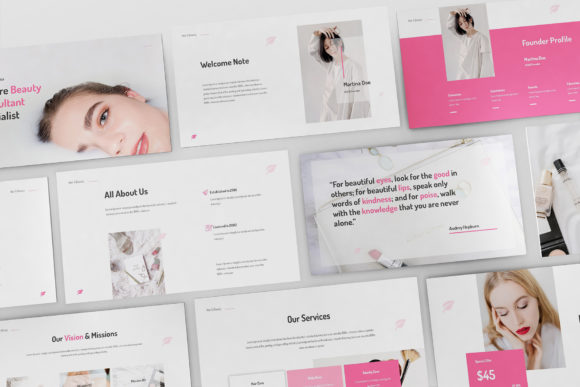
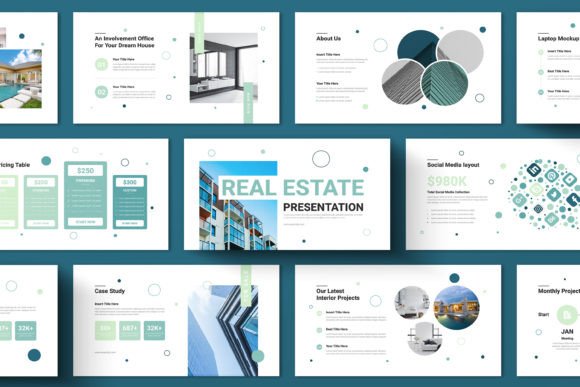
- Presentation & Editorial Layouts: Use the structured layouts as a starting point for pitch decks, lookbooks, or mini-magazines, giving them a polished, contemporary feel.
The key is that you’re not starting from zero each time. You have a premium font family and a visual system that you can adapt, which saves immense time and ensures every piece of communication feels intentionally designed.
Making Smart Typography Choices for Your Project
The template includes specific font information, which is a critical detail. Typography isn’t just about what looks cool; it’s about communication and function. A playful, handwritten script might be perfect for a craft business’s Instagram story but would undermine the credibility of a financial consultant’s brochure. When you use the provided fonts or choose to pair them with others, consider your project’s core goals.
For logo design or primary brand marks, you need a typeface with strong character and excellent legibility at various sizes. For body text in a blog graphic or a detailed product description, readability is paramount—often a clean, sans serif font works best. The Creative Instagram Template likely provides a mix of styles, perhaps a bold display font for headlines and a more neutral companion for supporting text. Understanding this hierarchy is what separates amateur layouts from professional editorial design.
Don’t be afraid to test font pairings. Use the provided display font for impact, but pair it with a simple, complementary serif or sans-serif for longer text blocks. The goal is contrast without conflict. Always test your designs at the actual size they’ll be viewed. A font that looks stunning on your 27-inch monitor might become an illegible blur on a mobile screen.
Practical Tips for Integrating Templates into Your Workflow
First, customize before you commit. Before using a template for an important campaign, spend time making it yours. Adjust the colors to your exact brand hex codes. Replace the placeholder fonts with your own brand typefaces if the licensing allows, or explore the included font styles to see which ones resonate with your voice. This initial setup turns a generic template into your unique design asset.
Second, think in systems, not singles. Don’t just use one template in isolation. Use the seven different PSD files to create a variety of content types—announcements, quotes, testimonials, promotional offers—that all feel like they belong together. This builds a visually rich and engaging grid.
Finally, always check the licensing. The note that model photos aren’t included is a standard and important reminder. Ensure any imagery you use is properly licensed for your intended use, whether for a personal blog or commercial packaging design. The templates themselves are design assets meant to be used, but respecting copyright for all elements is non-negotiable for professional work.
Ultimately, tools like the Creative Instagram Template are about efficiency and elevation. They handle the heavy lifting of layout and structure, freeing you up to focus on what truly matters: your message, your story, and the unique value you bring to your audience. By leveraging a professional, layered system, you ensure that every visual touchpoint is an opportunity to strengthen your brand and engage your community with clarity and style.