Create Stunning Metallic Typography with This Gold 3D Effect
Imagine you’re designing a logo for a new luxury candle brand. You’ve got the perfect script font chosen, but when you place it on the mockup, it looks flat. It lacks the depth and the rich, tactile quality you see in high-end branding. This is a common hurdle in design—how do you make digital text feel substantial and valuable? The answer often lies in a smart, layered approach to typography. A resource like the Gold 3D Editable PSD Text Effect is built precisely for this moment, offering a shortcut to sophisticated, dimension-rich lettering that instantly communicates quality.
What Exactly Is This Editable Text Effect?
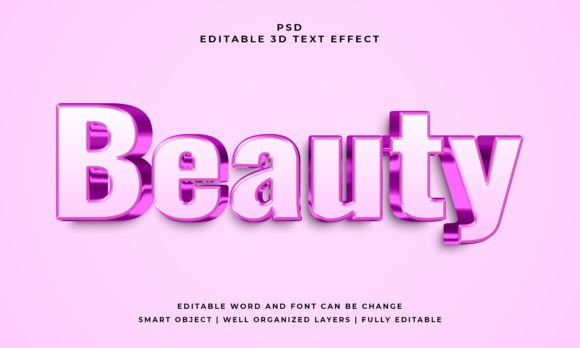
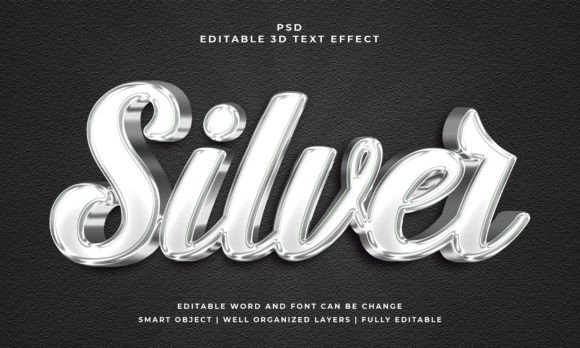
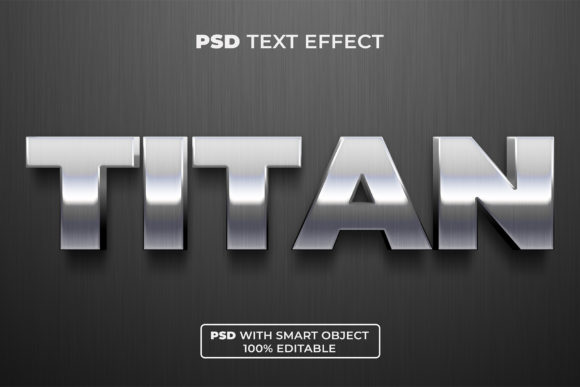
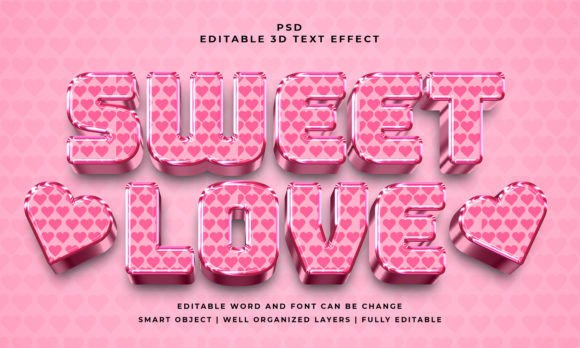
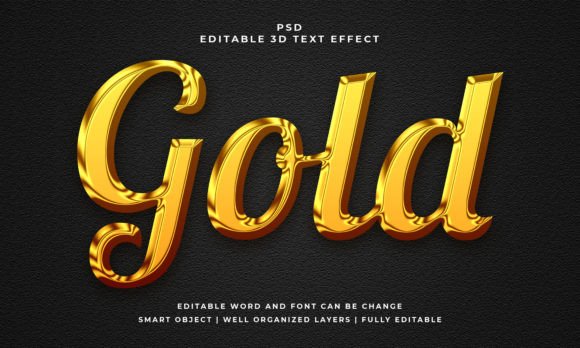
At its core, this is a pre-designed Photoshop file that applies a realistic, three-dimensional gold finish to any text or shape you input. The magic happens through well-organized layers and smart object technology. You don't need to be a Photoshop expert to use it. The process is straightforward: you open the provided PSD file, locate the designated smart object layer, double-click it, and type in your own words. Save, and the effect automatically updates across your entire design, complete with lighting, shadows, and that convincing metallic texture.
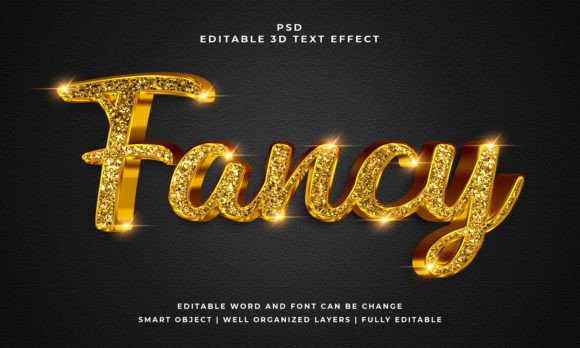
The visual appeal is immediate. It mimics the look of polished gold with subtle gradients, realistic bevels, and shadows that give the letters true physical presence. This isn't a flat, cartoonish gold; it’s designed to feel premium. The included JPEG preview is a great way to see the effect in action before you even open the file, helping you visualize its potential for your project right away.
Practical Applications Across Creative Projects
The true value of a design asset is measured by its versatility. This gold 3D effect isn't a one-trick pony; it’s a tool that can adapt to a wide range of creative and commercial needs. Here’s where it can truly shine:
- Brand Identity & Logo Design: Use it to create a memorable logotype or wordmark for brands in luxury sectors, high-end services, or celebratory products. Think boutique hotels, gourmet food brands, or event planning companies.
- Marketing & Social Media: Design scroll-stopping graphics for Instagram announcements, Facebook ad headlines, or YouTube thumbnails. A bold, golden title on a dark background can dramatically increase engagement for a sale, launch, or special event.
- Print & Packaging: Apply it to product packaging for a premium shelf presence. It’s perfect for the title on a box of artisanal chocolates, the label on a bottle of craft liquor, or the cover of a high-end lookbook.
- Digital Products & Editorial Layouts: Enhance the cover of an eBook, a digital magazine, or a course title page. For bloggers and content creators, using it for featured image text can establish a consistent, professional aesthetic across a site.
- Invitations & Merchandise: Create stunning wedding invitations, milestone birthday cards, or celebratory posters. For merchandise, it can elevate the design on tote bags, mugs, or apparel.
Enhancing Your Design Workflow and Outcomes
Beyond its visual punch, this kind of asset solves practical design problems. It promotes visual consistency. Once you set your brand name in this effect, you can reuse the exact same styled text across all your platforms, ensuring your Instagram post matches your website banner and your business card. This repetition builds brand recognition.
It also aids in creating a clear visual hierarchy. When used for headlines or key call-to-action text, the 3D gold effect naturally draws the viewer’s eye first, guiding them through your content logically. This improves readability in a broader sense—not by making body text easier to read, but by making the most important information impossible to miss.
From a workflow perspective, it’s a massive time-saver. Achieving a convincing 3D metallic effect from scratch requires advanced knowledge of Photoshop's layer styles, lighting, and texture mapping. This file packages all that complexity into a simple, editable template, allowing you to focus on the creative direction rather than the technical execution.
Smart Tips for Effective Use
To get the most out of this resource, a little strategic thinking goes a long way. First, consider the font style you pair it with. While the effect itself is bold, the underlying font you choose matters. A clean, modern sans-serif will feel sleek and contemporary. A classic serif will feel more traditional and authoritative. A flowing script will add a touch of elegance and personal flair. Test a few options within the smart object to see which personality best fits your project.
Context is everything. A large, golden 3D headline works beautifully as a focal point, but using it for long paragraphs of text would be overwhelming and hinder readability. Reserve it for short, impactful text: a brand name, a product title, a single powerful word, or a short promotional phrase. Think of it as the typographic equivalent of a statement necklace—it accentuates, it doesn’t dominate the entire outfit.
Finally, mind your color palette. The effect uses RGB color, making it ideal for digital and screen-based projects. For maximum impact, place it against solid, dark backgrounds like deep navy, charcoal, or black, or use it on rich, saturated colors that provide enough contrast. Always check how it looks on your chosen background before finalizing.
This Gold 3D Editable PSD Text Effect is more than just a flashy design trick. It’s a functional asset for designers, entrepreneurs, and creators who need to communicate value, celebration, and premium quality quickly and effectively. By understanding its applications and using it thoughtfully within your broader design system, you can add a layer of professional polish and visual intrigue that resonates with your audience. It’s a practical tool for making your most important words not just seen, but felt.